One organised library
Every song and album in one place, with the key, tempo, time signature, style, arrangement notes and tags your choir actually needs.
Songs, albums, lyrics and chords your choir has built up over the years — organised, searchable and ready in rehearsal, on stage or offline.
Free to download. iOS coming soon.
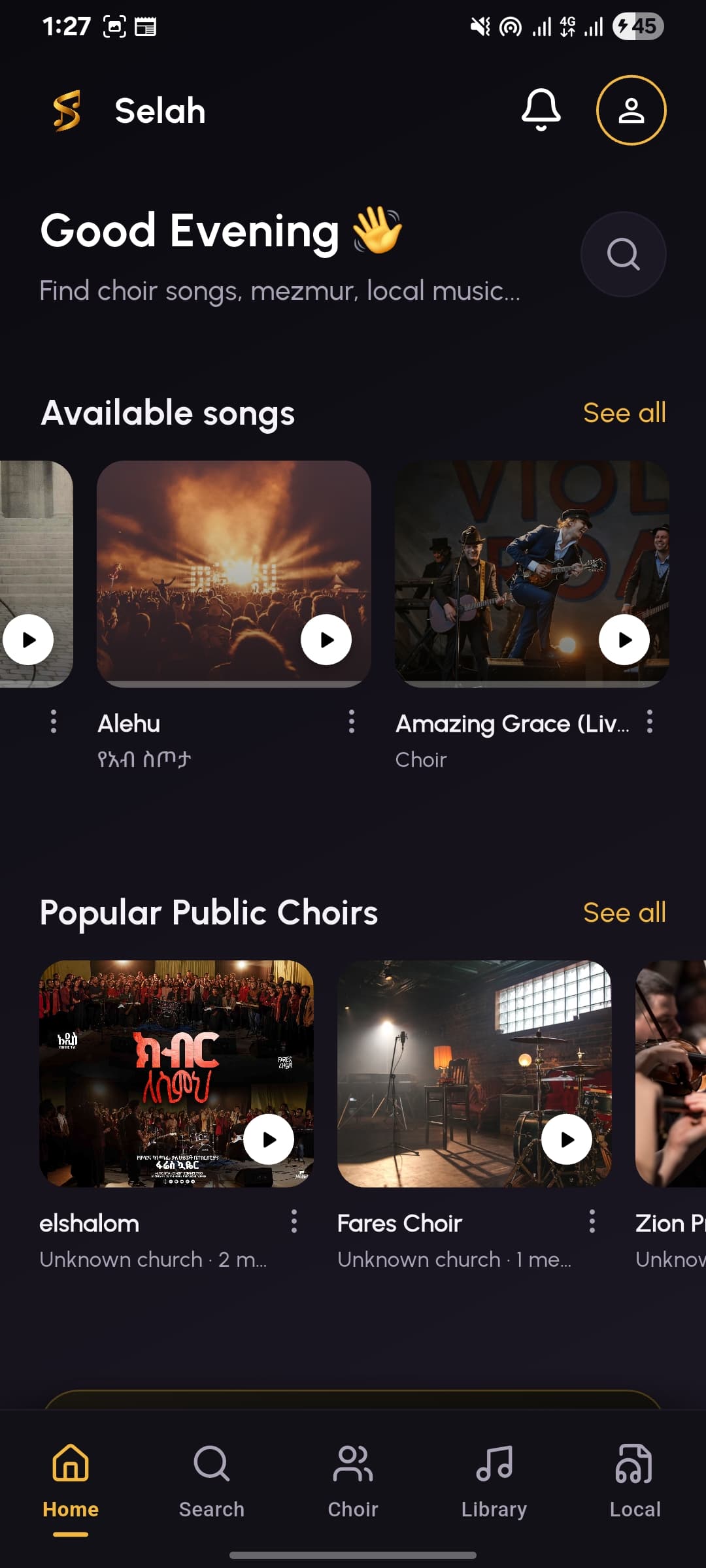
Most choirs keep their music scattered across Telegram threads, PDFs, USB sticks, shared Drive folders and a printed lyric book that only one person has. Songs get hard to find, new members struggle to learn the repertoire, and the recordings that made the choir what it is slowly disappear.
Selah was built for that problem specifically. It is not a streaming service with a choir skin on top — it is a library, a rehearsal tool and an archive designed around how choirs actually work: rehearse, perform, preserve, repeat.
Built around how choirs actually rehearse, perform and keep their music — not around a generic music player.
Every song and album in one place, with the key, tempo, time signature, style, arrangement notes and tags your choir actually needs.
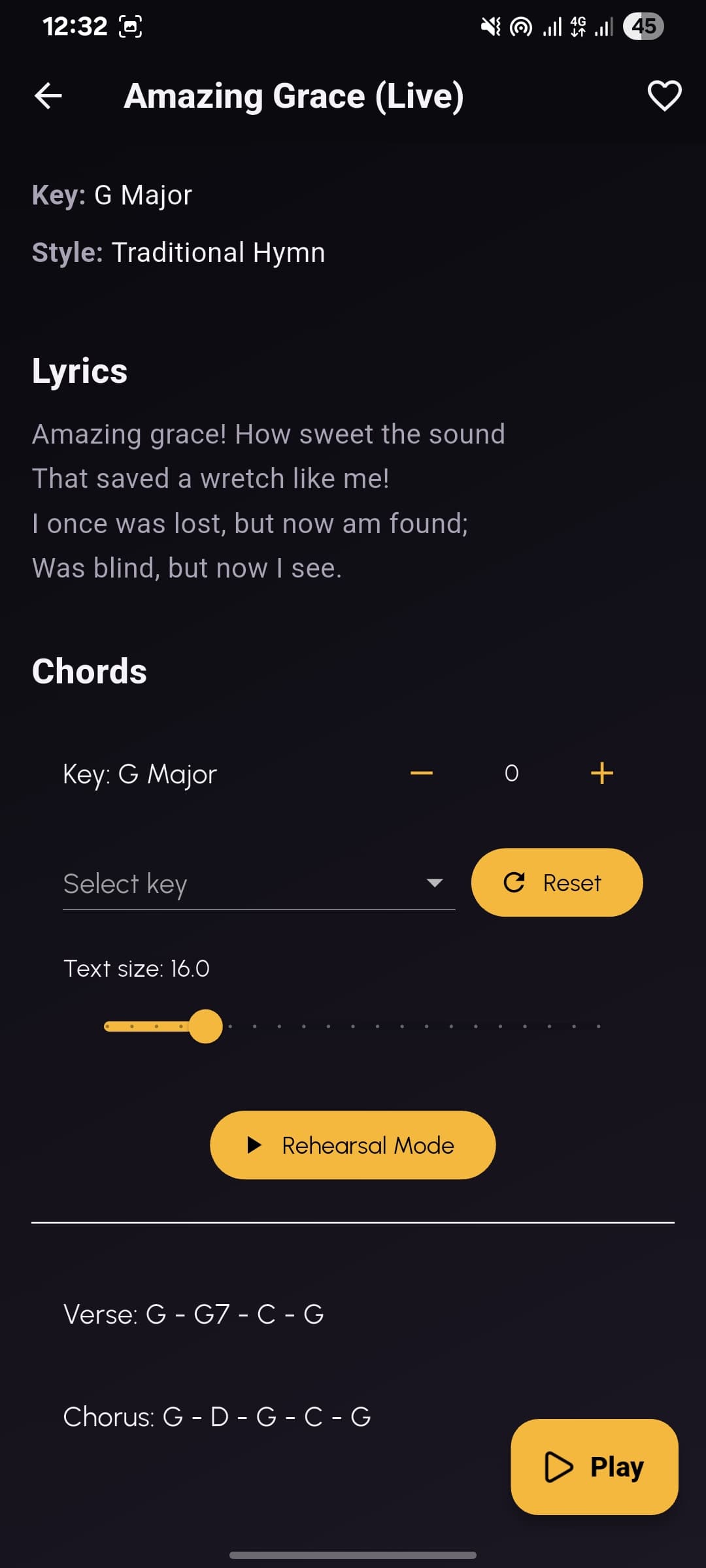
Chords sit inline above the lyrics. Shift the key up or down and the whole sheet follows — no rewriting, no second copy.
A full-screen sheet that auto-scrolls at your pace and keeps the screen awake, so nobody loses their place mid-verse.
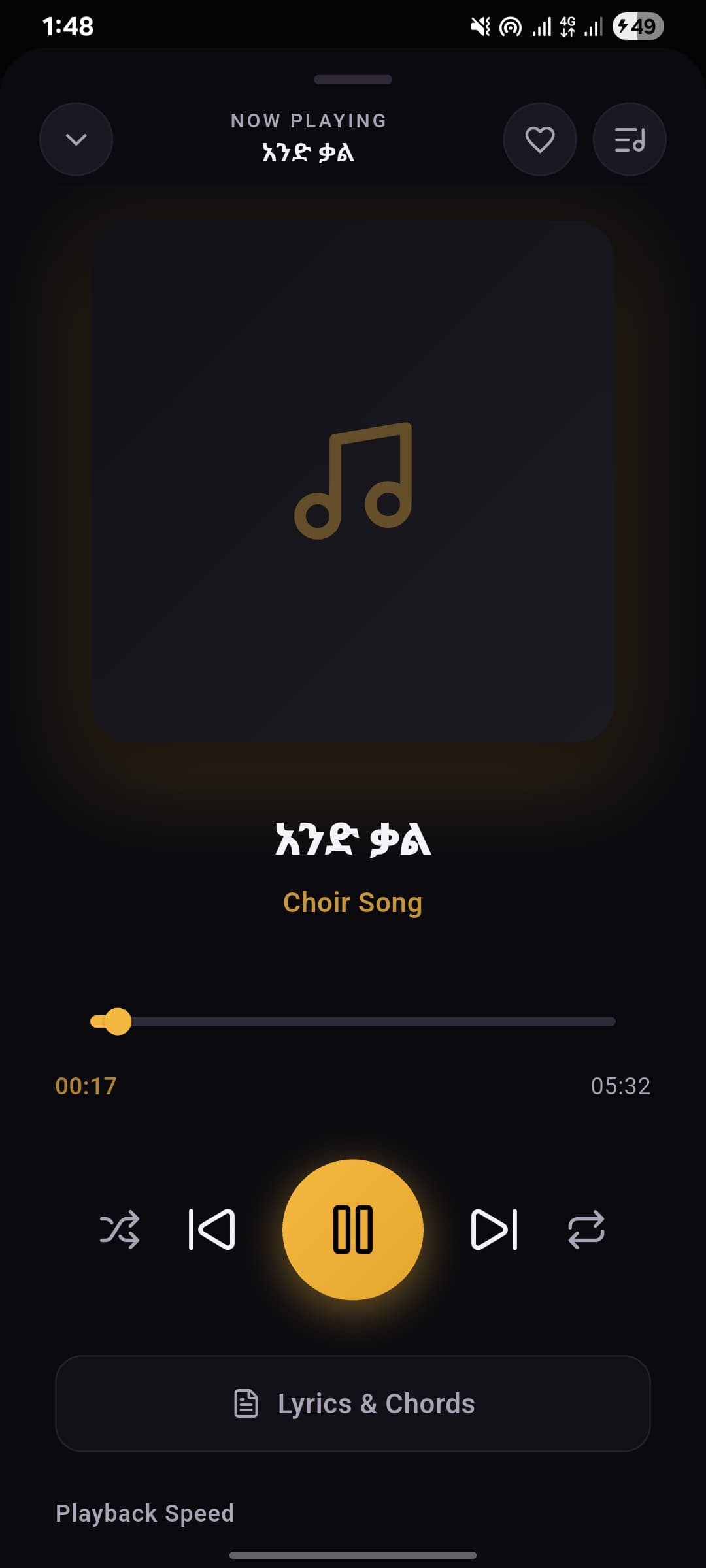
Background playback with a queue, playback speed, repeat and shuffle — so you can loop the hard bar while doing something else.
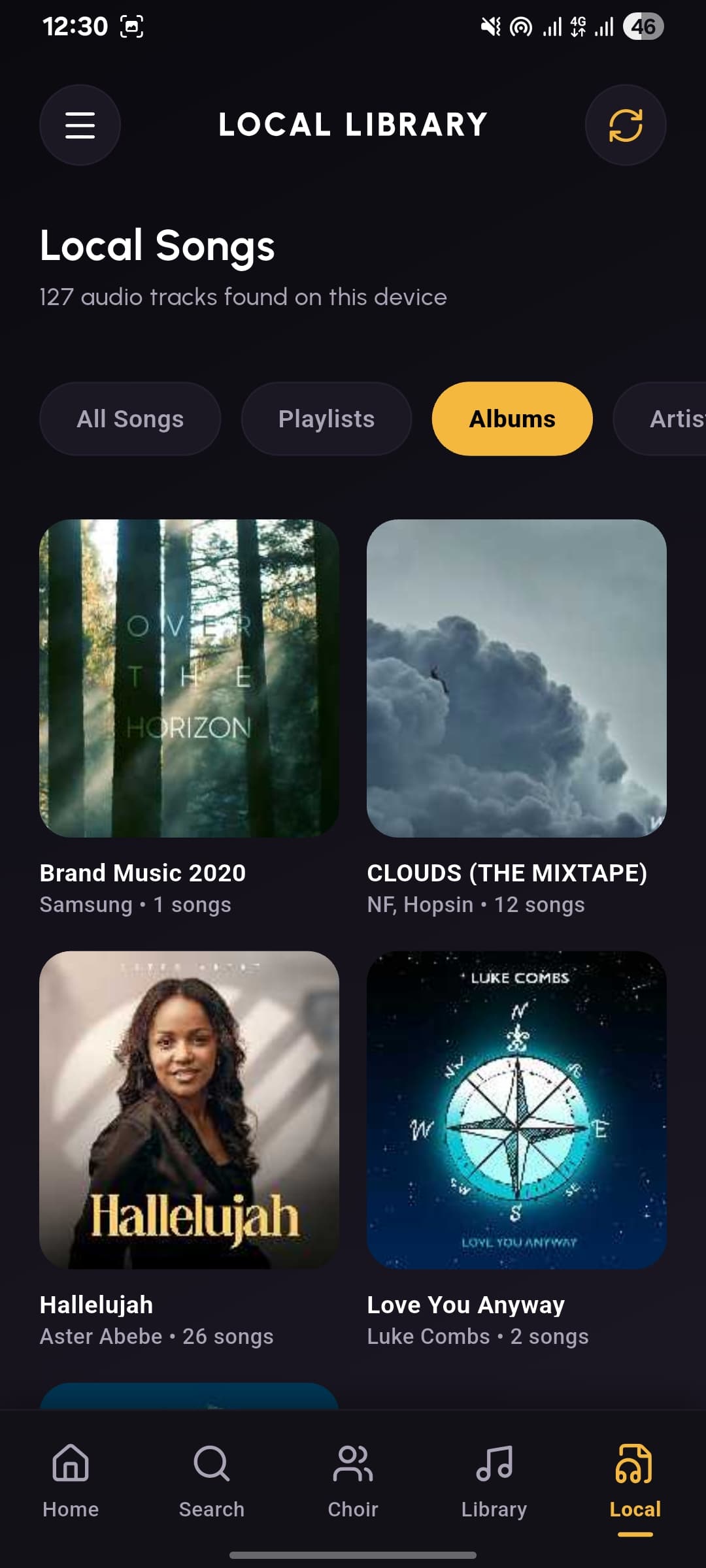
Download the songs you need before rehearsal. Church basements and long bus rides stop being a problem.
Each song is public, members-only or admins-only. Share your best work with the world and keep works-in-progress inside the choir.
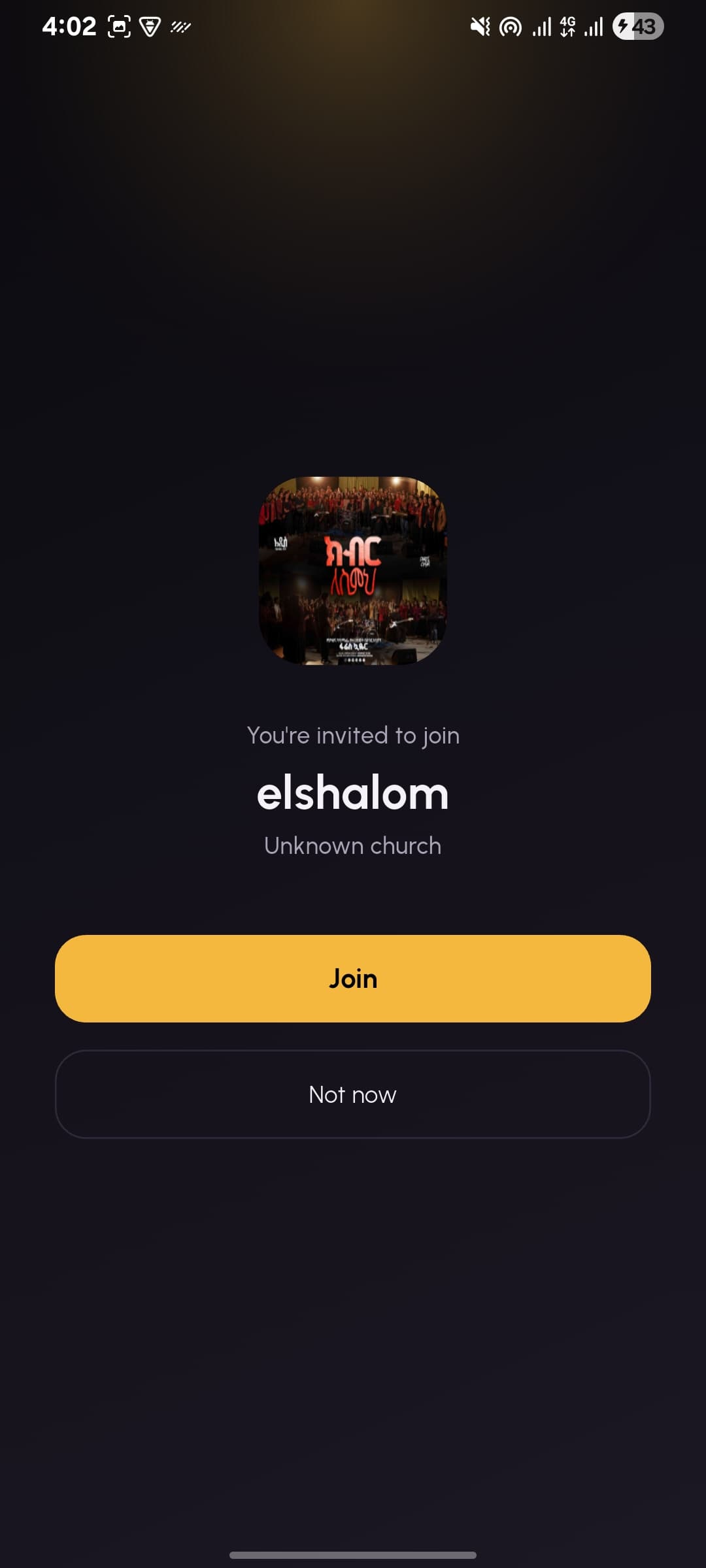
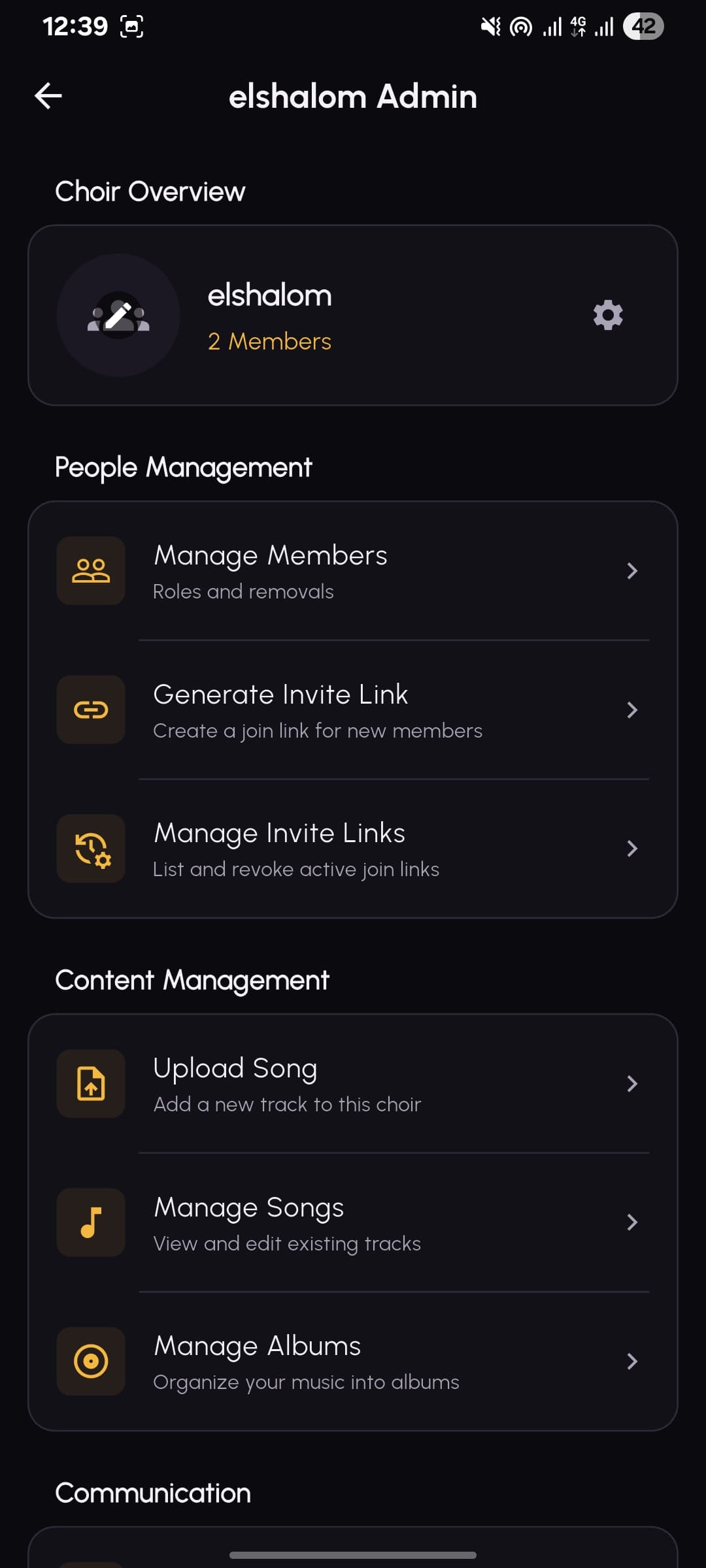
Admins generate an invite link, members tap it, and they are in. Links can be listed and revoked at any time.
Post rehearsal times, service prep and event dates. Members get a push notification instead of a message lost in a group chat.
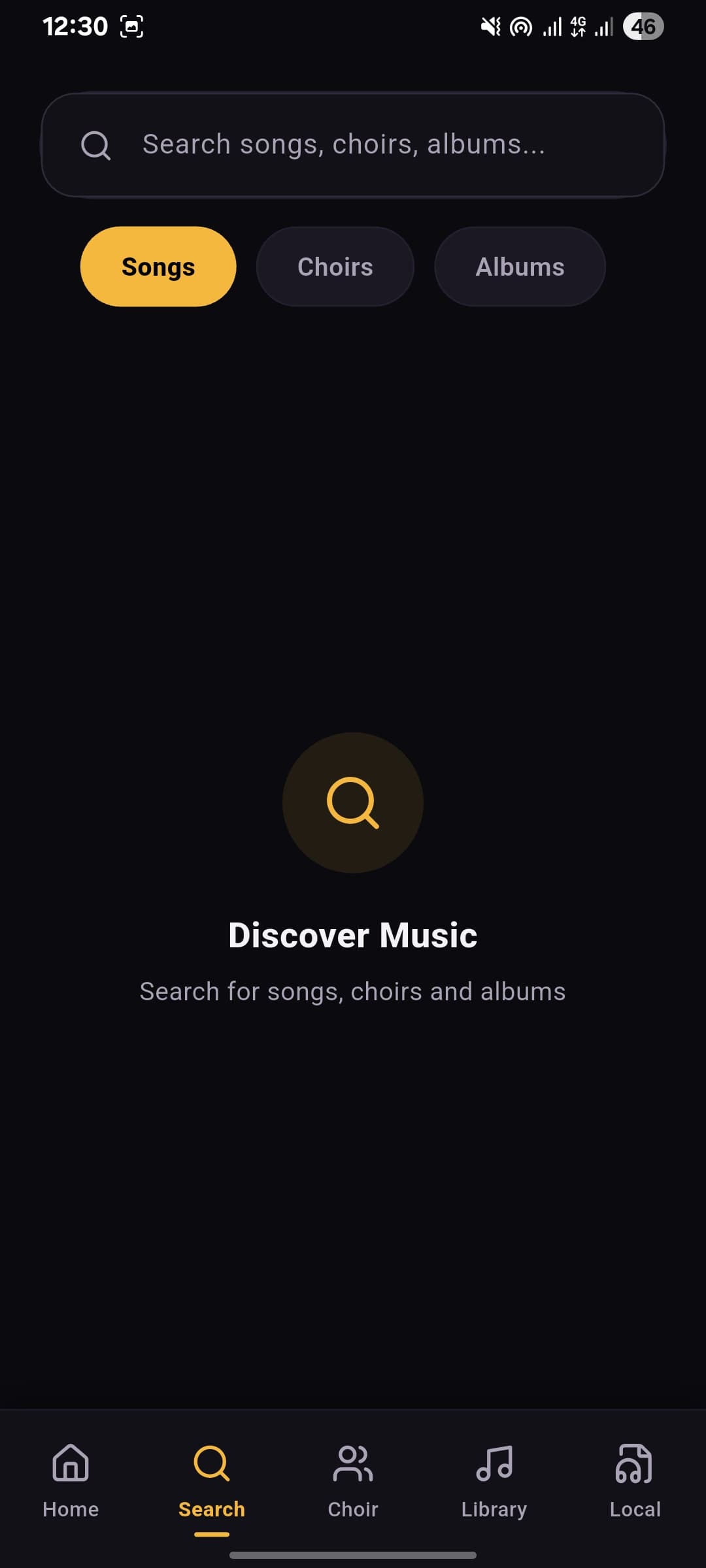
Search across songs, choirs and albums, and filter by style, key, album or visibility. No more scrolling a folder of filenames.
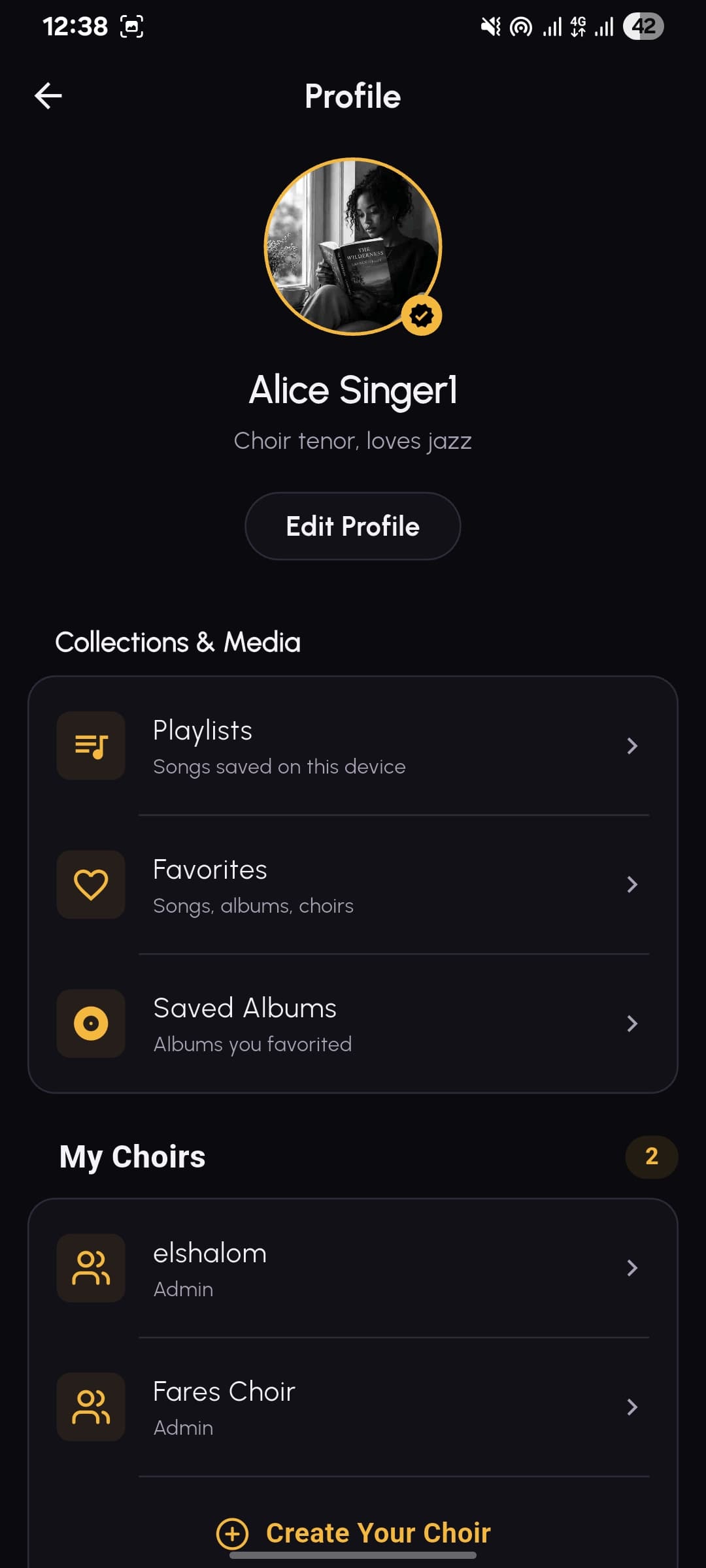
Set up a choir, invite your members with a link, and decide who can upload and who can administer.
Upload recordings, add lyrics and chords, group songs into albums, and mark each one public, members-only or admins-only.
Members download what they need, follow the auto-scrolling sheet, transpose to their key, and get notified when something new lands.
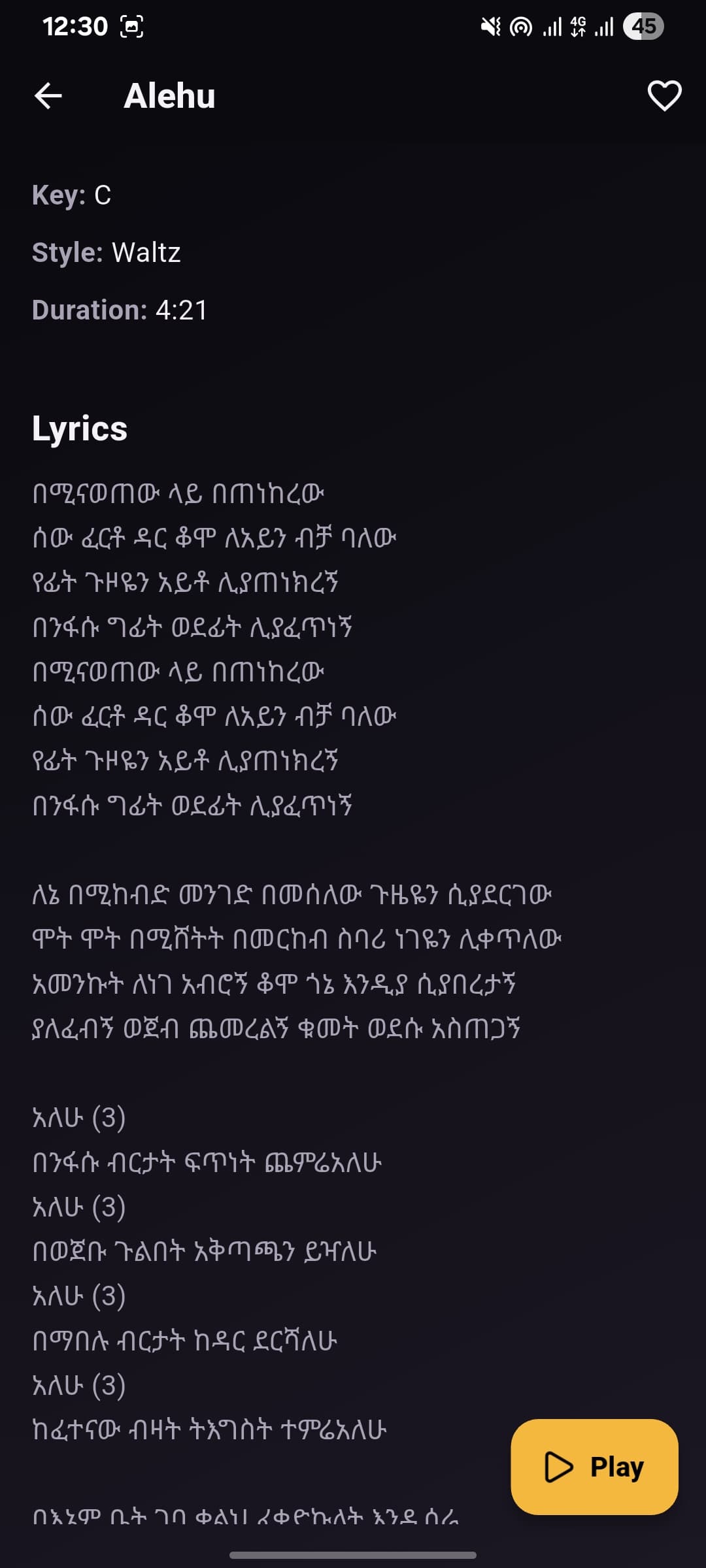
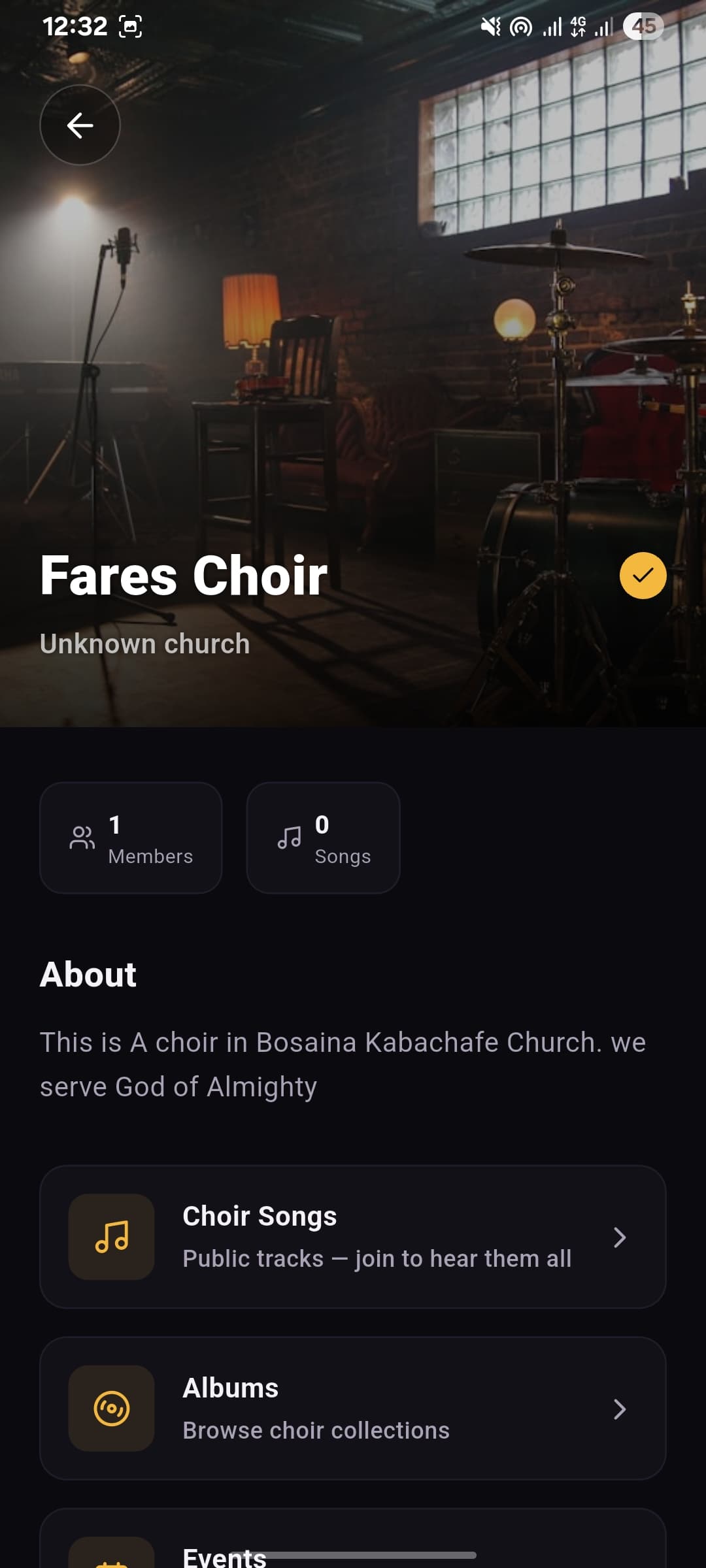
From the library to rehearsal mode — this is what your choir sees. Swipe to see more.
A small team that got tired of hunting for the right version of a song twenty minutes before a service.
Placeholder profiles — replace in src/content/team.ts
Founder & Product
TODO — one line on why they started this and what they own day to day.
Mobile Engineering
TODO — one line on their background and what they build.
Backend & Infrastructure
TODO — one line on their background and what they build.
Design
TODO — one line on their background and what they shape.
Still stuck? Email support.
Download the app, create your choir, and send your members a link. You can have the library started before the next rehearsal.